
|

|
|
|
|
File size: 10767 Kb Date: 06/20/2007 Homepage Install support: Install and Uninstall OS: Win98, WinME, WinNT 4.x, WinXP, Windows2000, Windows2003, Windows Tablet PC Edition 2005, Windows Media Center Edition 2005, Windows Vista Starter, Windows Vista Home Basic, Windows Vista Home Premium, Windows Vista Business, Windows Vista Enterprise, Windows Vista Ultimate, Windows Vista Home Basic x64, Windows Vista Home Premium x64, Windows Vista Business x64, Windows Vista Enterprise x64, Windows Vista Ultimate x64 System requirements: Windows 98/ME/NT/2000/XP/2003/Vista Language: English | outlook, share outlook and share calendar or free calendar and cheap sharing or the synchronization, good sync or also synchronize, synchronize outlook and share Calendar or free synchronize and cheap sync outlook or the share contacts, good plugin or also addins, workgroup | OutShare for Outlook 1.01 [Homepage] - by: 4Team Corporation - Download links for OutShare for Outlook 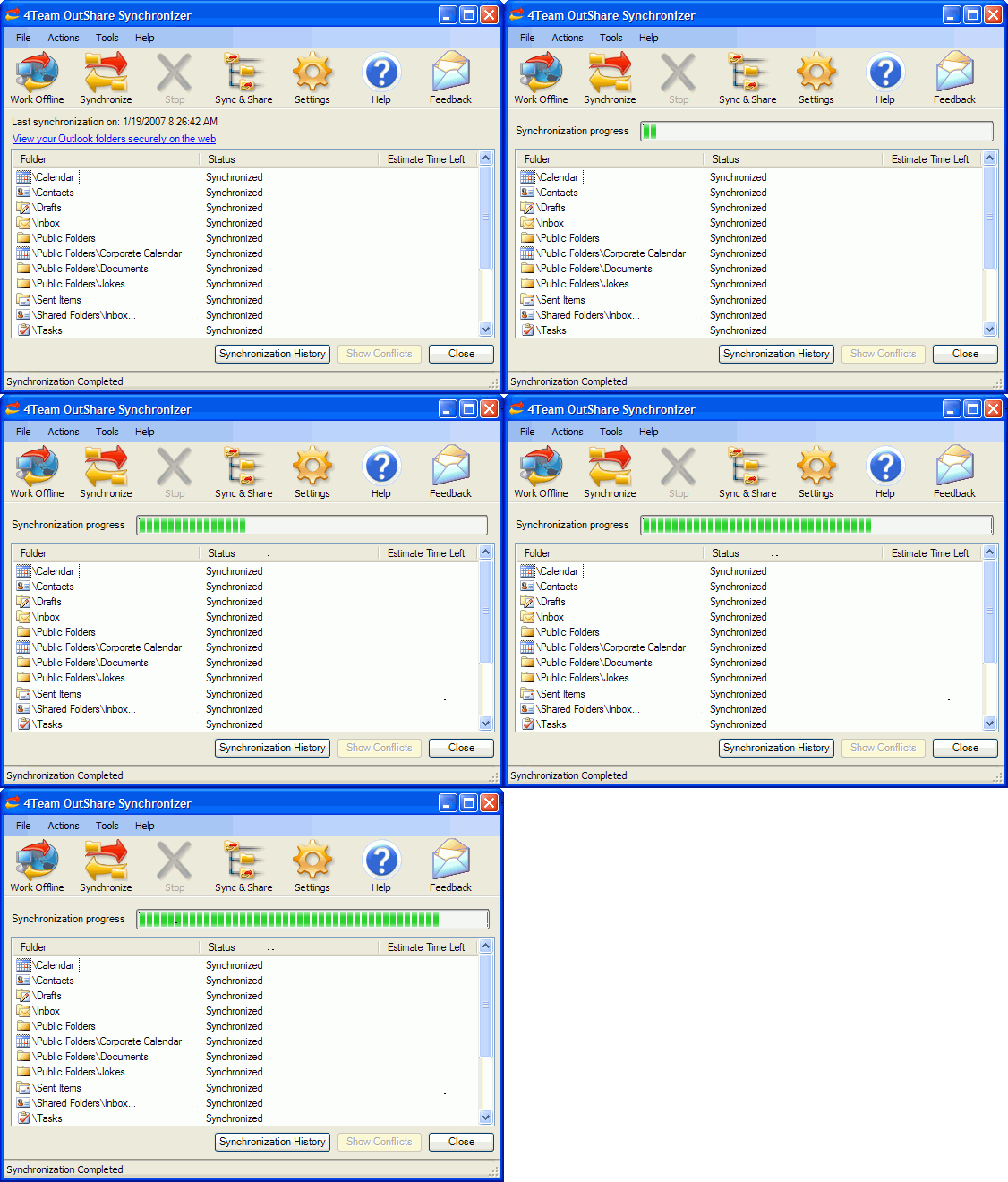 Click to enlarge Description: OutShare is a downloadable PC application and a hosted by us service (OutShare Service) for synchronizing and sharing your Microsoft Outlook data with Outlook on your other PC or other users' PCs. OutShare offers a variety of features, but the basic process is simple: select Outlook folders you want to sync or share on one of your PCs and synchronize them with (upload to) OutShare Service; install Outshare on your other PC, log in to your OutShare Service account from that PC and synchronize your folders; the program will automatically download all the data to your new PC; any changes in the synchronized or shared folders will automatically propagate to the other machine. The initial synchronization may take some time, but after that only changes will be synchronized. Among other benefits, you can: - Work from your desktop (laptop) machines, online or offline - Synchronize as many PCs with Outlook as you want, without interfering with the actual work of your Outlook; you don't even need to start Outlook to synchronize it. Your synchronized data will look the same on any synchronized PC with the read/unread status, flags, reminders, custom fields, etc. - Share your Outlook Personal folders (Calendar, Contacts, Tasks, Email, Journal and Notes) with other users (friends, co-workers, family) - Create Public Folders (shared folders) without Exchange Server (Outlook Group folders: Group Calendar, Corporate Contacts, etc.) - Use OutShare Service (Server) to backup your Outlook data, to easily restore it at any time or create a clone to migrate the data to a new or reformatted computer - Schedule synchronization to run automatically or manually - Access your Outlook data via web browser in a similar Outlook like interface with advanced OutShare Web Access Engine - Share Outlook data with users without Microsoft Outlook; - Use your corporate structure to easily organize the users' access to the data - Export any selected data to vCard, vCalendar or cvs format Recent changes in this Major Update: Remarks - Comments (Add a remark about this program) |
See also in Business and Finance: Spreadsheets
|
|


 Download:


