|
|
|
||||
|
|
Want a better software to manage your Web site more quickly and efficently? Click here for more info about EasyWebEditor...
Websites and CD DVD product catalogs with a single professional tool, in a single step? Yes it is possible: HyperPublish (BELOW!) FREE DOWNLOAD LINKS FOR: Screenrec 3.2.1 Take screenshots or record your computer screen and audio and microphone. Each screen capture is uploaded to a private cloud account in real time. You get a private sharing link as soon as you press 'Stop'. No upload time, no waiting. Perfect for business video communication! (description, more information, click here - Send instant video messages and screenshots via private sharing link) File size: 371 Kb Free Download link 1: Click here to start the download for Screenrec (then choose Save) Click here to start the download for Screenrec (then choose Save)WARNING: we suggest to scan the files with an antivirus before installing them - we do our best to screen each file reviewed on GetSoftware, but we don't re-scan them each day, and so, better safe than sorry! The download link was perfectly working at the time of our review and the related inclusion in this archive, and so when we did our last test; the download is not on our servers, it is provided by the software house and sometimes can be -temporarily- offline or so. Please kindly use the contact form to report difficulties, strange behaviors or persistent problems, and quote the program name or the number 10591 . Screenrec is a free cloud screen recording tool what helps you communicate faster and increase your productivity. Instead of lengthy emails, you can send instant private video messages and screenshots.(Send instant video messages and screenshots via private sharing link)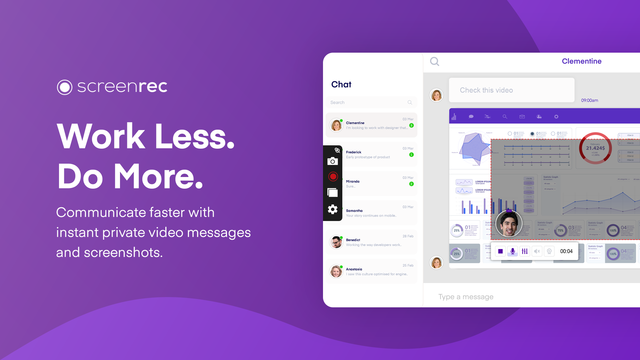 Download page for the app Screenrec - ScreenRec is a free, lightweight screen capture software that allows you to record your screen or take a screenshot in a click. It's great for productivity as you can use it to send video messages instead of writing lengthy emails. Best of all, it's insanely easy to use and there is NO learning curve. Just select screen capture area, press a button and you are done!
You can take a screenshot of your entire screen or a specific screen area and edit it with the annotation tools. You can also record your computer screen with the sound coming from your speakers or your microphone.
Thanks to the Cloud Recording technology, there is no upload time and no need to connect to DropBox, Google Drive, Youtube or Facebook etc. When you are done recording or taking a screenshot, you will immediately get a private and secure sharing link copied to your clipboard. Just press Ctrl + V to paste the link in an email, in a private chat or even publish it to your website if you like.
ScreenRec is powered by the all-in-one business video platform StreamingVideoProvider and comes with 2Gb of free private cloud storage. This makes it extremely powerful under the hood. Besides business video hosting, you also get a number of advanced features like enterprise-grade security, deep analytics and a content management system (CMS).
ScreenRec prevents any unauthorized downloads of your screenshots and screencasts using the 128-bit AES encryption algorithm. You can also set passwords and restrict access by location or IP address.
The Deep Analytics let you see who watched your screen recording, which parts they skipped, how many times they viewed, and more.
Using the CMS, you can organize your captures with tags and playlists.
From task assignment to bug reporting and internal training, ScreenRec is trusted by 90,000+ users to reduce the need for meetings, cut down on emails and communicate more effectively across locations and ti

|
||||
|
|


